Both run on Linux
SafeUtils supports macOS, Windows and Linux.
DevT Pro installs from Flathub or the Snap Store on x86_64 Linux, so it works on any distribution with Flatpak or Snap support and updates through your software center.
Similar breadth, different emphasis
SafeUtils advertises more than 110 tools; DevT Pro advertises more than 120. Both cover the essentials: structured-data conversion, formatting, Base64, JWTs, CSV tools, QR generation, viewers and previews.
SafeUtils builds its positioning around security and team use. DevT Pro is aimed at individual developer productivity.
Code generation
Code generation is its own category in DevT Pro, with 19 tools: typed models from JSON in eight languages (TypeScript, Go, Kotlin, Swift and more) and cURL to code in eleven. It is not a primary advertised category for SafeUtils.
Workflow
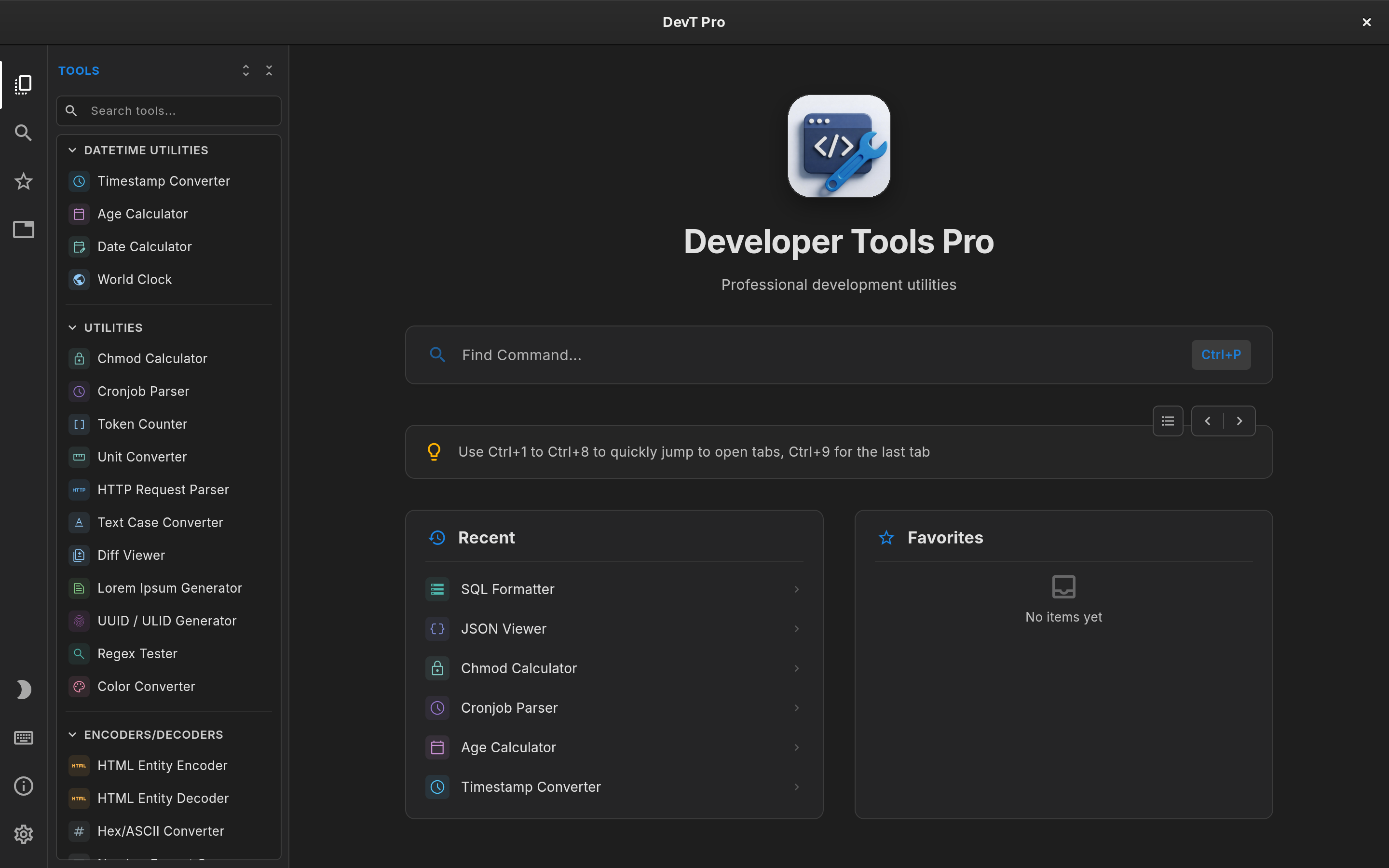
DevT Pro is laid out like a code editor. Tools open in tabs, including several copies of the same tool, and each tab keeps its input, output and options. Ctrl+P finds any tool, results update as you type, and Super Paste (Ctrl+Shift+V) replaces an editor’s content with your clipboard.
Tab-based multitasking is not a headline SafeUtils feature, so this is a real difference in day-to-day use.
Beyond the Linux desktop
If you also work on a Mac, a Windows machine or an iPad, DevT Pro runs on all of them. SafeUtils covers the three desktop platforms but not iPad.
A command-line tool and MCP server for AI agents are coming to DevT Pro in v9, designed to ship inside the Flatpak and Snap packages.
Privacy
Privacy is central to both products. DevT Pro has no account, telemetry or analytics; on Linux it only goes online to activate your license or when you ask it to load a URL.
Price
SafeUtils is commercial, with one-time purchase options; check its site for current pricing.
On Linux, DevT Pro is unlocked with a one-time $5.99 license key that includes all 120+ tools. You activate it once in the app; the license is then remembered, so DevT Pro keeps working offline. Moving to a new computer is a matter of deactivating the key in Settings → License and activating it again.