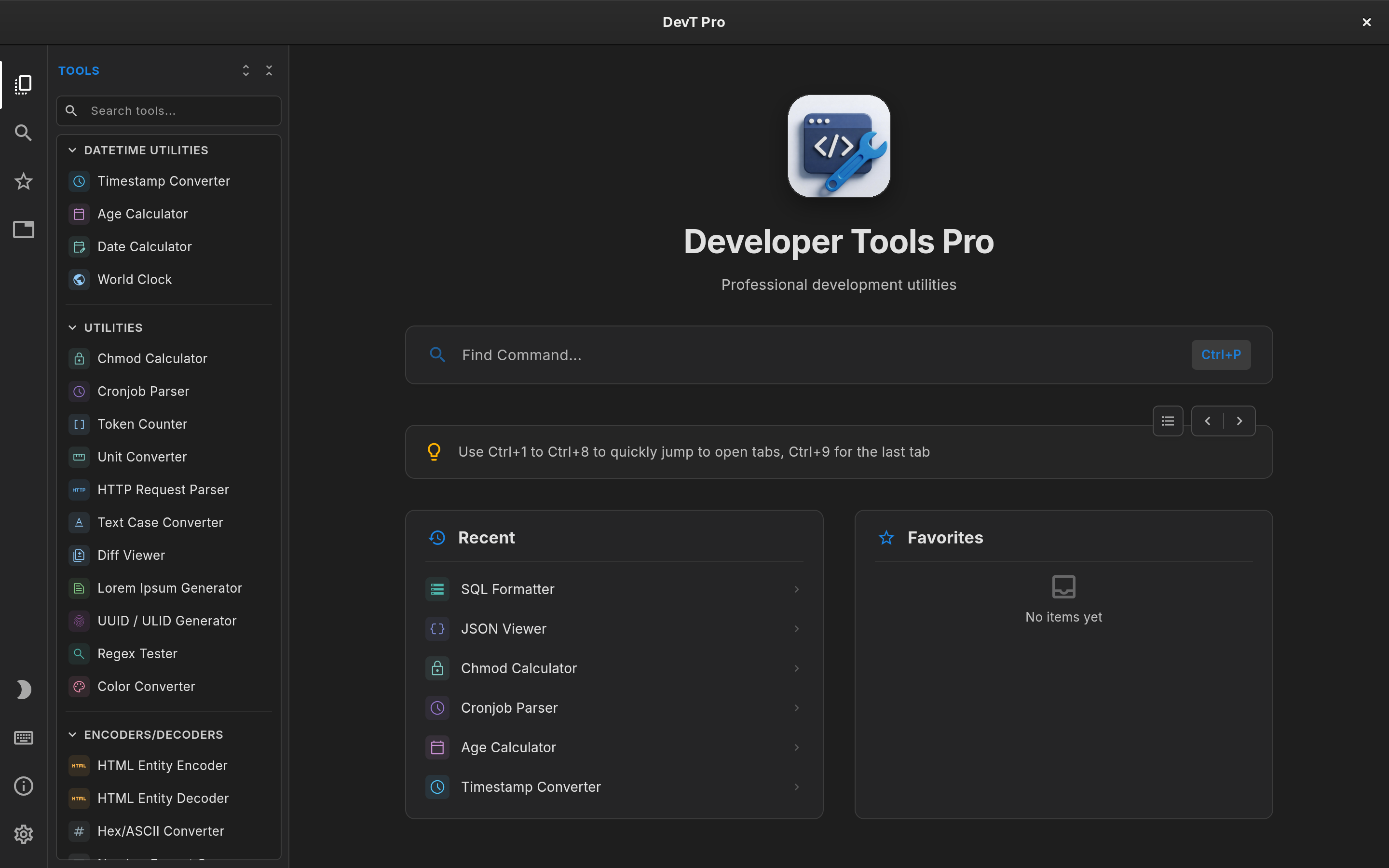
Both run on Linux, but they are packaged differently
Linux developers have had fewer choices in this category than Mac users. DevToys changed that with its cross-platform 2.x release, which ships official Linux builds alongside macOS and Windows.
DevT Pro installs from Flathub or the Snap Store on x86_64 Linux, so it works on any distribution with Flatpak or Snap support and updates through your software center. The Flatpak and Snap packages are sandboxed, which suits a tool you paste tokens and configuration into.
Both apps therefore install cleanly on a typical Linux workstation. The differences are in what you get once they are running.
Built-in tools vs extensions
DevToys ships around 30 tools by default and grows through community extensions built with its SDK. If you like assembling your own toolbox, that model is a real strength.
DevT Pro takes the opposite approach: more than 120 utilities are included from the start, with no extensions to discover, install or keep updated. That includes JSON formatting, JWT decoding, regex testing, hashing, UUID and ULID generation and timestamp conversion.
Tool counts are not perfectly comparable, since apps split operations differently, but the gap reflects two different product philosophies.
Code generation and format conversion
This is where DevT Pro is broadest. It has 46 converters covering JSON, XML, YAML, CSV, TSV, TOML and TOON in every direction, and 19 code generators: typed models from JSON in eight languages, and cURL to code in eleven.
DevToys covers the core conversions by default and can add more through extensions. If your work regularly crosses formats and languages, having all of it built in saves setup time.
Finding the right tool
DevToys offers Smart Detection: copy a value and it suggests a tool that understands it. That is convenient when the clipboard is where a task starts.
DevT Pro is built around explicit, keyboard-first navigation. Press Ctrl+P to search every tool, keep several tools open in tabs (including multiple copies of the same one), and use Super Paste (Ctrl+Shift+V) to clear an editor and paste the clipboard in one step. Each tab keeps its input, output and options while you work elsewhere.
Terminal and automation
DevToys has a separate CLI today, which is a genuine advantage for scripting and CI.
DevT Pro is adding a command-line tool and an MCP server for AI agents in v9. Both run the same conversion code as the app, and they are designed to ship inside the Flatpak and Snap packages. Until v9 is released, DevToys is the one with terminal support.
Privacy and offline use
Both apps process data locally, which is the main reason to use either instead of pasting internal data into random websites.
DevT Pro has no account, telemetry or analytics. On Linux it only goes online when you ask it to: loading content from a URL into an editor, or activating your license.
Price and licensing
DevToys is free and open source under the MIT license. Nothing is cheaper than free, and for some teams open source is a requirement.
On Linux, DevT Pro is unlocked with a one-time $5.99 license key that includes all 120+ tools. You activate it once in the app; the license is then remembered, so DevT Pro keeps working offline. Moving to a new computer is a matter of deactivating the key in Settings → License and activating it again.
Which one fits your Linux setup?
Choose DevToys if open source, extensions or a CLI you can use today matter most.
Choose DevT Pro if you want the largest ready-made catalog, extensive code generation and a tabbed workspace that feels like your editor, plus the same app on macOS, Windows and iPad if you switch machines.