JSON to YAML Converter
Convert JSON data to clean, readable YAML directly on your device. No uploads, no accounts, and no internet connection required.
Try the free online JSON to YAML Converter in your browser →




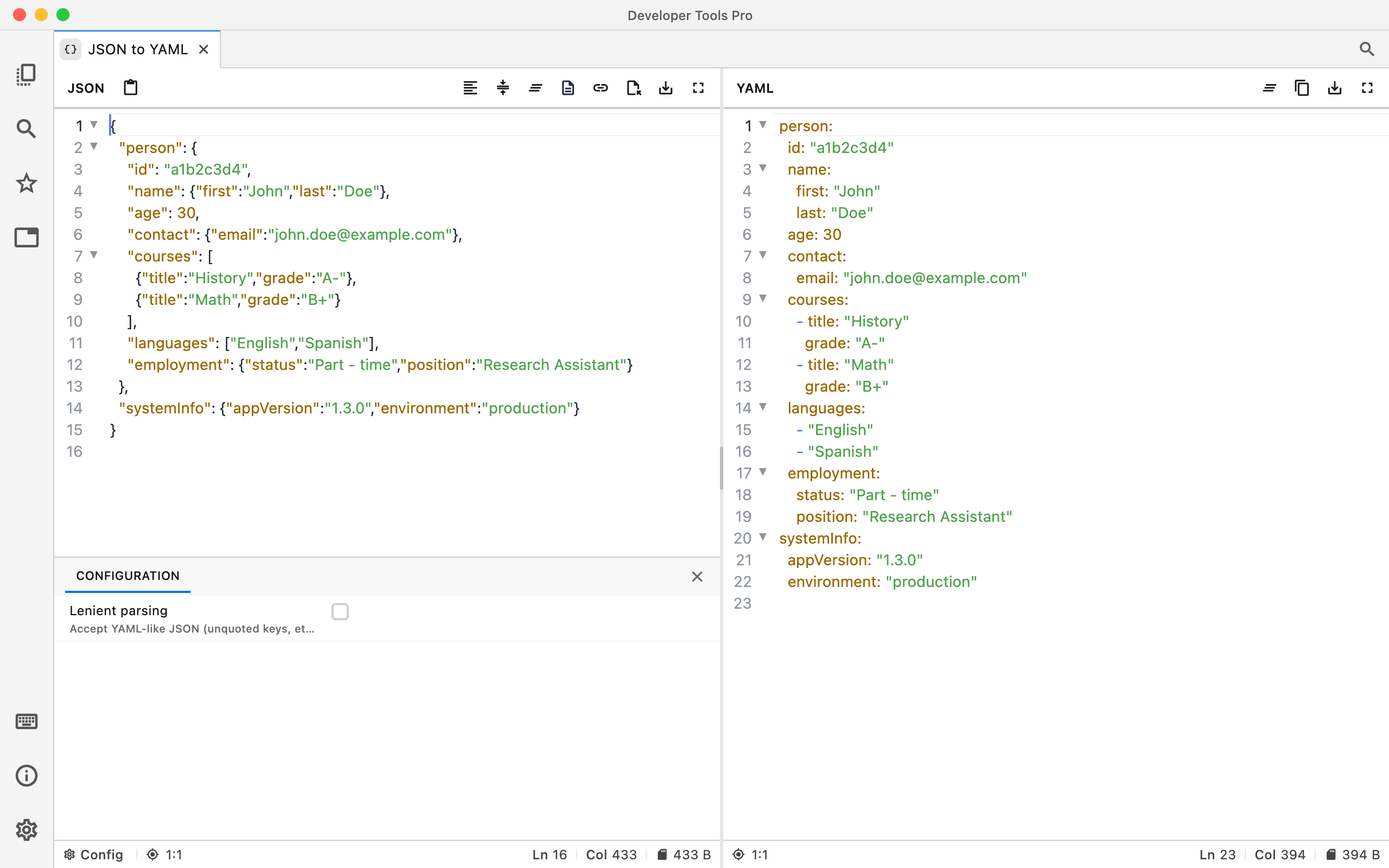
JSON in. YAML out.
Paste JSON, convert it, and copy the resulting YAML. Useful when moving configuration or structured data between tools and formats.
Readable YAML
Turn nested JSON objects and arrays into clean YAML that's easier to read and edit by hand.
Copy and reuse
Copy the converted YAML into configuration files, documentation, CI pipelines, or your editor.
Private by default
Conversion happens locally. Your JSON isn't sent to DevT Pro or another web service.
From JSON to YAML
The structure stays intact while JSON syntax is converted into YAML's more compact representation.
{
  "app": "DevT Pro",
  "offline": true,
  "platforms": [
    "macOS",
    "Windows",
    "iPadOS",
    "Linux"
  ],
  "tools": {
    "converters": true,
    "formatters": true
  }
}
app: DevT Pro
offline: true
platforms:
  - macOS
  - Windows
  - iPadOS
  - Linux
tools:
  converters: true
  formatters: true
When JSON to YAML is useful
Configuration files
Convert existing JSON configuration into YAML for tools and services that prefer YAML-based configuration.
CI/CD and infrastructure
Quickly turn structured JSON into YAML while working with deployment pipelines, containers, infrastructure tools, and automation.
APIs and development data
Convert JSON responses or sample objects into YAML for documentation, testing, or development workflows.
Your JSON stays on your device.
Configuration and API data can contain internal URLs, identifiers, credentials, or other information you may not want to paste into a random online converter. DevT Pro processes conversions locally.